Every time you load a page, stream a show or send a message, an IP address is doing the quiet work of getting the data to the right place. It's one of the most fundamental ideas on the internet - and the thing a VPN changes. This guide explains what an IP address is, the main types, what yours reveals about you, and how to change the one websites see.
The short definition
An IP (Internet Protocol) address is a unique number that identifies a device on a network, so data knows where to go. Think of it as a postal address for your device: when you request a web page, your IP travels with the request so the response can find its way back. Every device that connects to the internet has one.
IPv4 vs IPv6
There are two versions of the addressing system in use:
- IPv4 - the original, written as four numbers like
203.0.113.5. It allows about 4.3 billion addresses, which sounded endless in the 1980s but isn't enough for today's billions of devices - so IPv4 addresses are effectively running out. - IPv6 - the newer system, written as longer strings of letters and numbers separated by colons. It provides a practically unlimited supply of addresses, solving the shortage.
The size gap is easy to underestimate, because both are written compactly. An IPv4 address is 32 bits: four octets, each holding a value from 0 to 255, which gives 2^32, or 4,294,967,296 possible addresses. IPv6 is 128 bits, written as eight groups of four hexadecimal digits, giving 2^128. That is not four times bigger, it is 2^96 times bigger: roughly 79 octillion IPv6 addresses for every single IPv4 address in existence.
The two run side by side during a long transition, and most people never need to know which one they're using.
Public vs private IP addresses
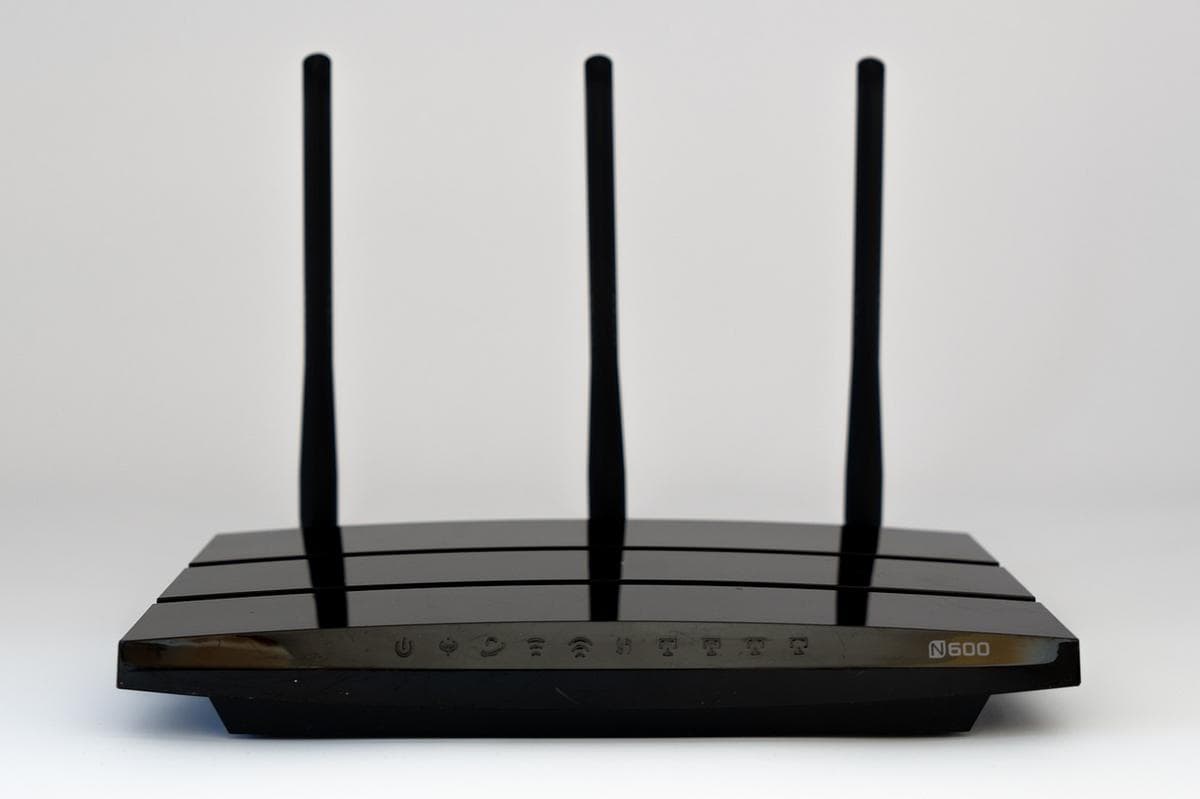
This trips a lot of people up. Your home router has one public IP address, assigned by your internet provider - it's what the outside internet sees, representing your whole network. Behind the router, each device gets a private IP address on your local network (assigned by the router), used only inside your home. So when you visit a website, it sees your single public IP, not the private address of the laptop or phone you're actually on.
Private addresses come from three reserved ranges that are never routed on the public internet: 10.0.0.0/8, 172.16.0.0/12 and 192.168.0.0/16, which is why your router hands out something starting with 192.168 so predictably. A typical home network uses a /24, leaving 254 usable device addresses once the network and broadcast addresses are set aside.
Public IPs are also often dynamic - your provider can change yours periodically - though some are static (fixed), which matters more for servers than for everyday browsing.
What your IP reveals about you
Your public IP carries more than you might think:
- Approximate location - usually your city or region, not your exact street.
- Your internet provider - the company that assigned it.
- A tracking handle - sites use it for geolocation, content licensing (region locks), fraud checks and analytics.
An IP alone doesn't hand a random website your name or home address. But your provider can link it to your account, and combined with cookies and account logins, it becomes part of how you're profiled online. That's exactly why people choose to hide it.
How a VPN changes your IP
A VPN routes your traffic through one of its servers, so the sites you visit see the server's IP address instead of yours. Your real IP and approximate location stay hidden from them, and you appear to be wherever the server is - which is also how a VPN bypasses region locks. It's the most common way to control the IP others see.
One honest caveat: hiding your IP is one privacy layer, not total anonymity. Cookies, browser fingerprinting and logging into your accounts can still identify you regardless of your IP. A VPN is a strong, foundational layer - pair it with good browser hygiene for real privacy.
The takeaway
An IP address is simply the number that lets devices find each other on a network - essential plumbing for the internet. Yours reveals your rough location and provider to every site you visit, which is why controlling it matters. A VPN swaps the IP others see for one of its own, hiding your real address and location as a solid base layer of online privacy.
Privacy-first VPN → Proton VPN
Audited no-logs · Swiss jurisdiction · open-source · free tier